


Vector Graphics for Scientists — A hands-on workshop combining Adobe Illustrator skills with design principles to help scientists create clear, professional figures for publications, posters, and presentations.

Who is This for

This workshop is designed for PhD students, postdocs, and researchers in the life sciences who want to create professional scientific figures – whether for journal publications, posters, grant proposals, or presentations. No prior experience with Adobe Illustrator is needed.

This workshop is for groups and can be booked by universities, research institutes, or companies. It is not offered as a course for individuals.


At a Glance

3 days (approx. 9:00–17:00)

Adobe Illustrator + Figure Design

In-person (up to 20 participants) or via Zoom (up to 30)

No prior Illustrator knowledge required

What You’ll Learn — Illustrator Tools

Learn the Illustrator tools that matter most for scientific figures. All exercises use real biological examples...

Draw a C. elegans worm from a single stroke

Populate a virus particle with membrane proteins

Build a lipid bilayer in just a few clicks

Extrude a blood vessel with red blood cells

Add depth to a membrane protein in a lipid bilayer

Repose a detailed illustration without redrawing it

Create a DNA double helix you can apply to any path

Transform a flat cell drawing with glow, feather, and blending modes

...and many more tools and techniques covered throughout the workshop.

What You’ll Learn — Figure Design

Good figures aren’t just about pretty graphics - they’re about clear communication. The design part of the workshop covers principles that apply regardless of which software you use.

Color Theory

Choosing effective palettes, using color to highlight data, avoiding ambiguity, and designing for color blindness.

Visual Flow & Hierarchy

Guide the reader’s eye through your figure with clear structure, emphasis, and intentional layout.

Avoiding Chartjunk

Strip away clutter — unnecessary gridlines, heavy outlines, and decorative elements that obscure your data.

Text & Labels

Select readable fonts and use text hierarchy to make labels, annotations, and captions work.

Also Covered: Arrows in scientific diagrams, graphical abstracts, poster design.

Before & After — What Good Design Can Do


Before & After — What Good Design Can Do


Hands-on Exercises

Practice what you’ve learned with guided exercises – draw biological structures like organelles, proteins, or organisms from scratch in Illustrator. Each exercise includes step-by-step instructions directly on the artboard, so you can work at your own pace during the workshop and continue at home. Prefer to work on your own project instead? That’s fine too.


Bring Your Own Figures!

Send me your figures or drafts before the workshop. During the course, we’ll look at selected examples together, discuss how to improve them, and I’ll demonstrate how to apply design principles and Illustrator techniques to real-world figures.

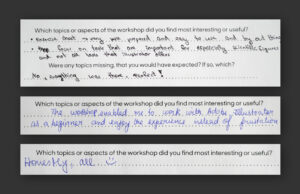
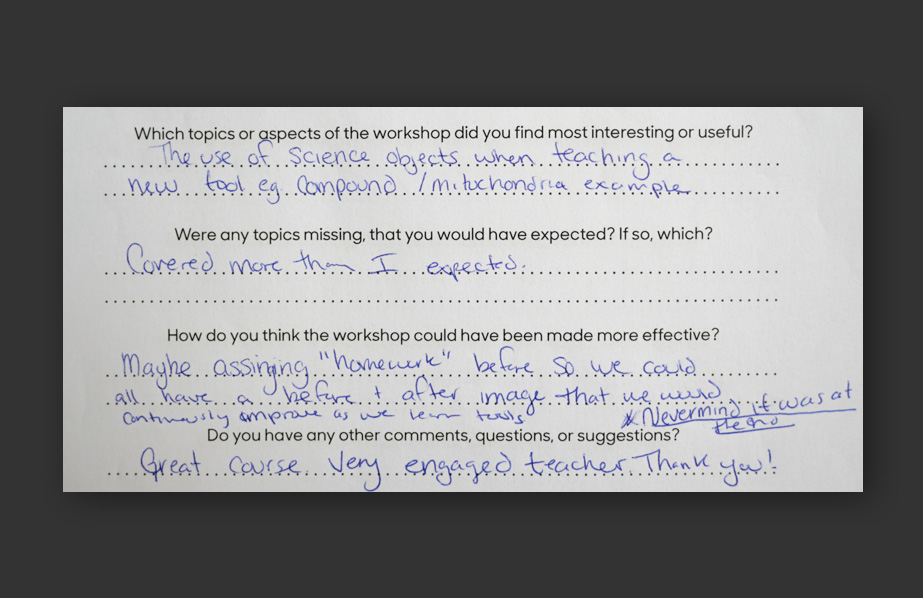
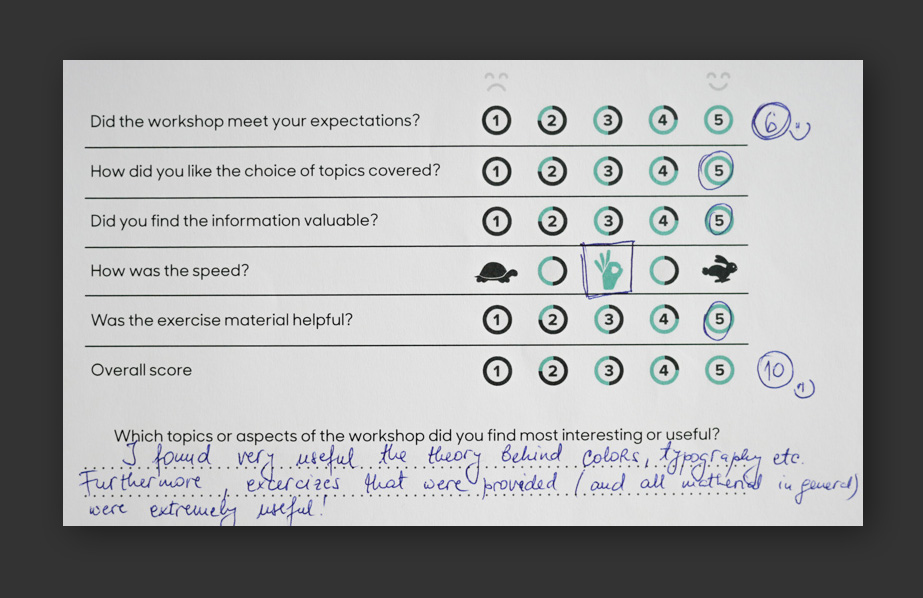
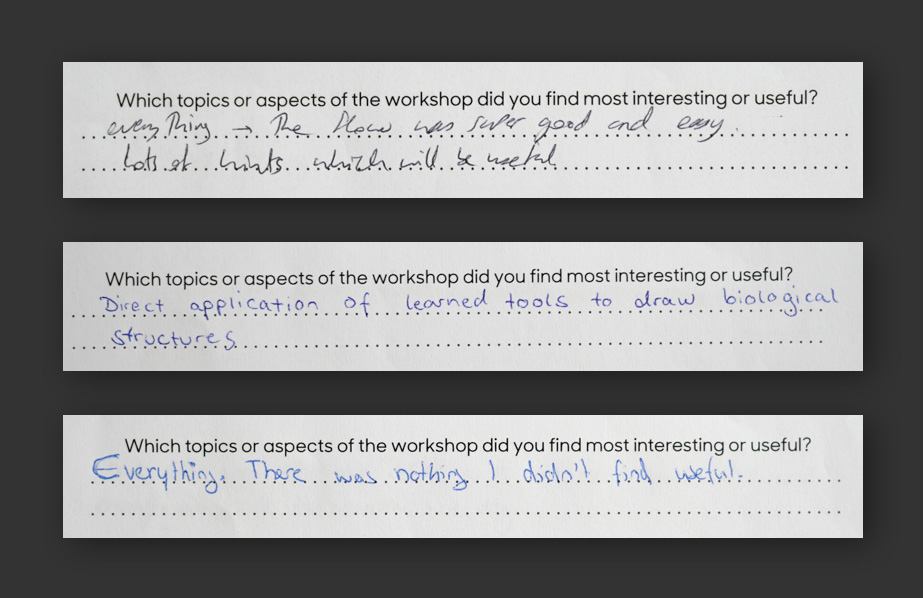
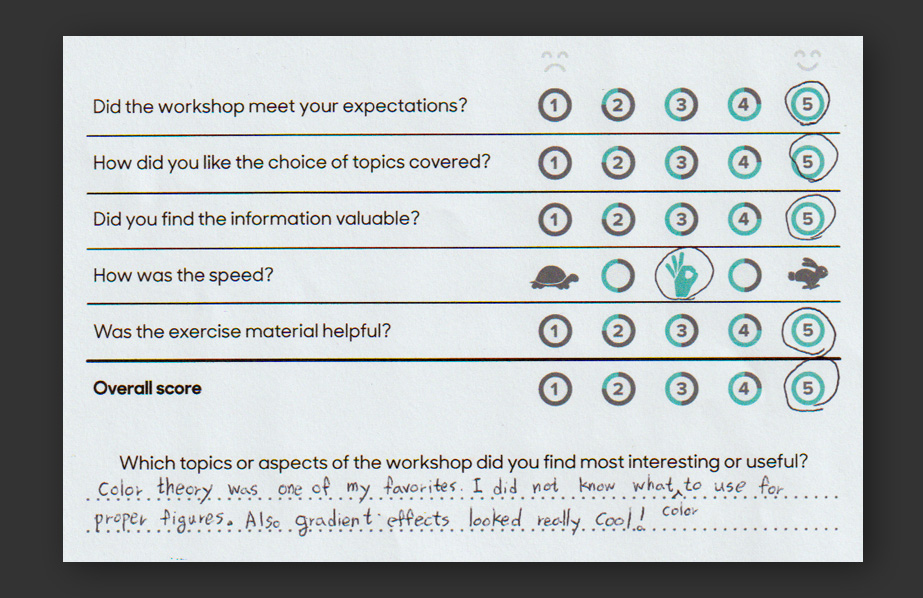
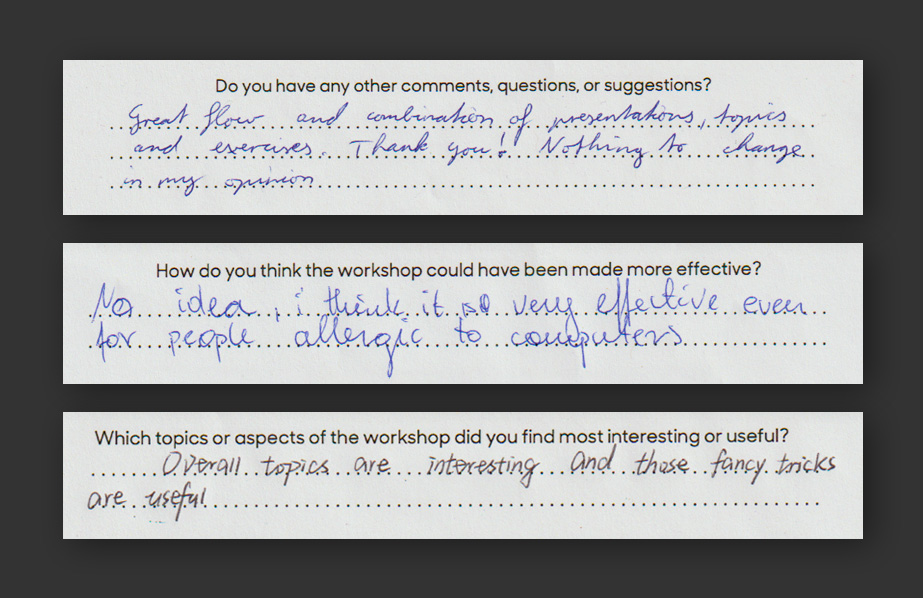
What Participants Say

Logistics

The workshop runs over 3 days, approximately 9:00–17:00 with coffee and lunch breaks. It can be held in person (up to 20 participants) or via Zoom (up to 30 participants). No prior experience with Adobe Illustrator is required.

Participants need to bring their own laptop with Adobe Illustrator installed (the free trial version works fine). A seminar room with a decent projector should be provided by the host institution. Participants receive a certificate of completion.

Pricing depends on format and location.


For more info on the workshop and a specific quote, please reach out: